

Google AI Mode has changed the way people search nowadays. From searching to reasoning, everything is powered by artificial intelligence. People no longer dig deeper to search for an answer; they like it short and quick. The introduction of AI tools like ChatGPT, Perplexity, and Grok AI became popular with the introduction of ChatGPT in 2022. Recently, in 2025, Google also launched its artificial intelligence model, Google AI Mode. Do you also want to use Google’s latest AI model, but don’t know how? Let’s explore everything about Google AI Mode! Starting from its origin.
Google AI Mode is Google’s personal artificial intelligence tool. It doesn’t work similarly to other AI tools, like ChatGPT, Claude, or Perplexity. You don’t need a website to search. It is simple to use and appears on every search result. Google AI Mode provides a simple way to understand a topic without the need to read a whole thesis. It is simply a search tab that is present in the Header of Google Chrome. It is alongside All, Images, Videos, Shopping, and other categories.
Google launched this AI Mode in March 2025 in the United States. In May 2025, it was opened to the public more widely. In the same year, it was later expanded to 180 countries. It was adopted by many students, teachers, and administrators. The rollout of Google AI Mode is one of the fastest rollouts in Google Search History. Unlike AI chatbots, it stays connected to real-time web data, which reduces the likelihood of providing outdated information. Some of the key features of Google AI Mode are:
AI Overview appears at the top of most of the search results. It is completely different from Google AI Mode as it prefers to answer in short, like a quick overview. It offers a quick summary with links to the source.
AI Mode is a complete interactive experience that supports multimodal input like text, image, and voice. It provides dialogue, deeper reasoning, and synthesis. You can access AI Mode below the search bar on any search result page. It is available alongside All, Video, Image, and such tabs.
Gemini is a chatbot that comes under the family of Google searches. AI mode is connected with Gemini and uses it as the search-optimized version to answer questions. It is pinned on the right side of the top of Google on every tab.
All three come from Google but perform different actions in different places at different times.
It works on a 5-step core process:
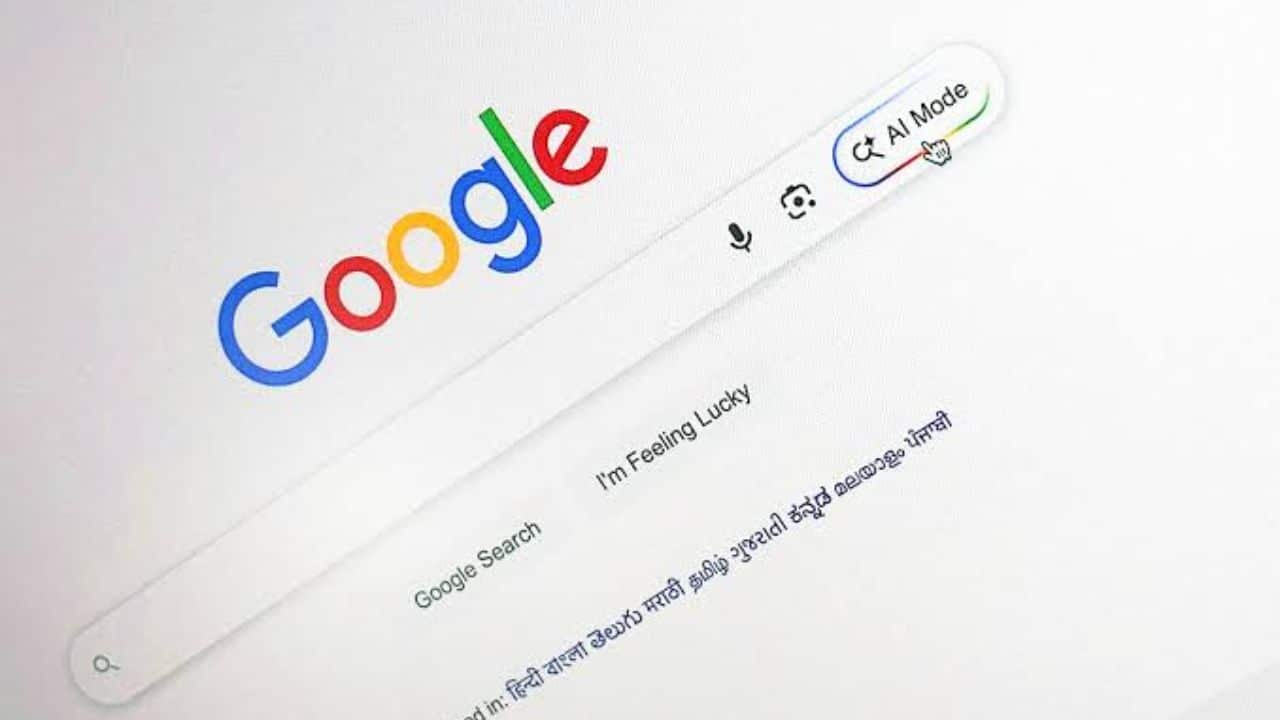
Google AI Mode no longer requires a separate Labs opt-in in most of the regions. For the regions that don’t have automatic access, they can use the following steps to access it:
For Mobile users: Open your Google Chrome app → Select AI Mode or AI Overview.
Yes, it is mostly free to use. You can access the conversational interface, receive cited answers, ask follow-ups, and use the multimodal feature without paying any subscription fees.
Some of its premium features include image generation, higher usage limits, or deeper personalization through paid subscriptions. Basic searches, Deep searches for many queries, and standard conversational use are available at no additional cost.
Prompt Examples:
For content creators optimizing for both traditional SEO and generative engine optimization (GEO), follow the tips given below:
If you are someone who always searches for the right answers, choose Google AI Mode. It provides the right answer instantly based on real-time updates. In this blog, we have understood everything related to what is Google AI Mode, its features, and how to access it based on different regions or locations. We have also understood the difference between Gemini AI, Google AI Mode, and AI Overview.
Related: AI Assistants Overwhelmingly Cite Third-Party Lists, Not Company Homepages, Study Finds
The post What is Google AI Mode? A Complete Guide to Google’s AI Search appeared first on The Next Hint.