
Losing access to your personal or business Instagram account can disrupt personal connections, professional outreach, or years of memories. Instagram disables accounts that breach the Terms of Use and Community Standards of the platform. Are you also facing the same problem? And now, are you also looking for an answer to your question: how to recover a disabled Instagram account? Then, you are on the right page.
This guide provides simple steps to recover your IG account. It also explains why Instagram disables an account and how to protect your account from being hacked after recovery. The blog addresses other issues related to Instagram account deactivation, disablement, and the two-factor authentication process.
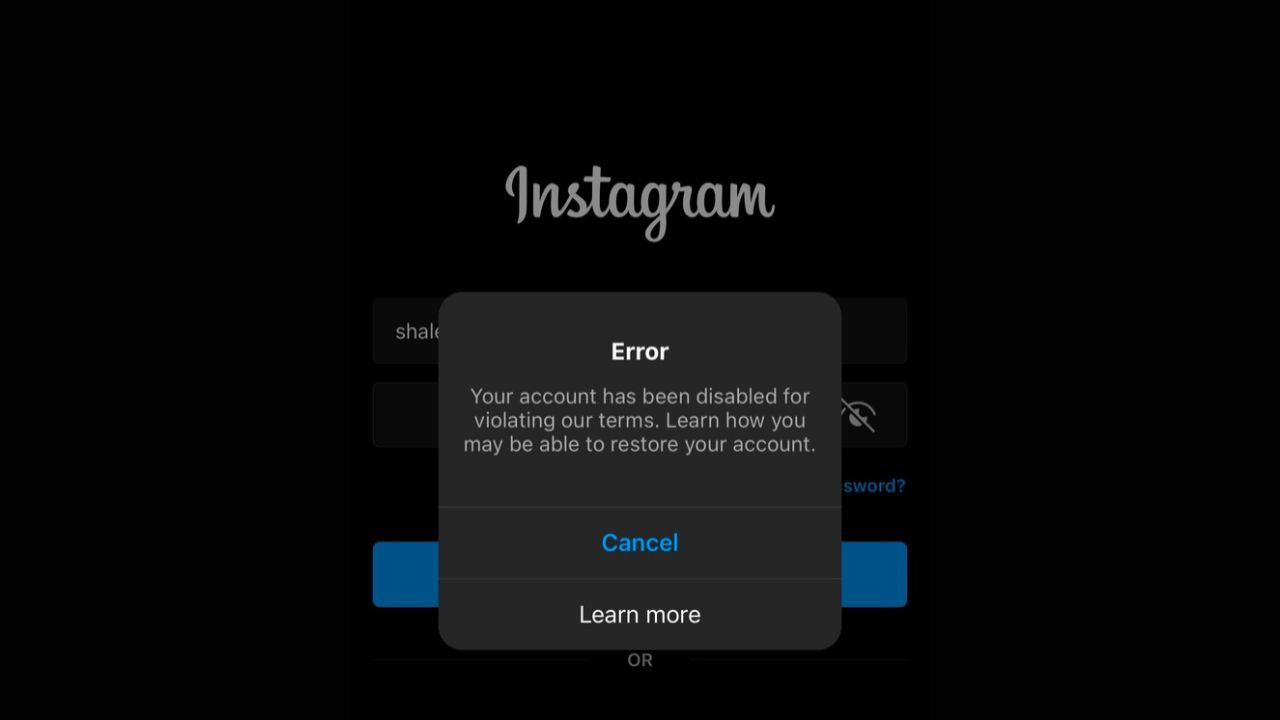
A disabled IG account means Instagram has restricted your account access due to the violation of the guidelines of Meta’s Instagram. You can identify whether your account is disabled or not by simply logging in to your account; if you see a specific message pop up on your screen with a notification that the account has been disabled, then IG has suspended your account. You can also identify it by checking whether other people are able to view your profile, posts, and activity. Many people get confused between a disabled and deactivated account, but both are different.
There are several reasons that lead Instagram to disable an account. Some of the common factors include:
If you think IG’s decision to disable your Instagram was a mistake, then follow the given steps to recover your account in some weeks.
Open your Instagram app on your phone or go to instagram.com in a web browser.
Instagram does not publish an official fixed timeline. Reviews can take a few days to several weeks. It depends on the complexity of the case, the number of requests, and the verification process. Many users receive responses within 14 days, though it can take longer in some cases. Check your email regularly and respond to any follow-up request from Meta or Instagram.
Once your account is restored, take immediate action to strengthen the security and minimize the risk of future trouble. Follow simple security techniques to avoid future risks.
Two-factor authentication adds a layer of security to logging in to an account, apart from the password. Instagram recommends using an authentication app. Follow these steps to turn on 2FA through the Instagram app:
Recovering a disabled Instagram account starts with knowing the process and the reason your account is suspended. Follow the steps given in this blog to recover your IG handle and start using it again. Several reasons lead to the suspension or disabling of an Instagram account; some of the common ones include violating Instagram’s guidelines, Terms of Use, and mass liking, following, and unfollowing.
After recovering your account, ensure you follow the steps given to protect your IG account. This will provide an extra layer of protection for your personal or business account. If you do not see a disabled message, it can be due to a login issue or unauthorized access. You can fix these issues by using the Forgot Password option. Change the password to a new one, and you can also try the two-factor authentication process on IG.
Want more such informative guides? Stay connected with our website for the latest updates.
The post How to Recover a Disabled Instagram Account? Tips and Process appeared first on The Next Hint.