

Apple designs its phones to work in different environments, including high air pressure, humidity, and hot and cold weather. When the internal temperature increases faster than the phone can dissipate it, it leads to overheating. Mild warmth while charging, video recording, playing games, or after updating iOS is common, but regular heating with light use or overheating warnings will require immediate attention. This guide covers the 15 problems that are causing your iPhone to heat up, along with the reason and solution to each problem.
These are some of the common causes and fixes that cause an iPhone to heat up.
| Situation | Cause |
|---|---|
| Charging | Charger problem or overcharging |
| Heavy game playing | Higher-graphic applications or game |
| Brightness | Higher brightness |
| Hotspot/ Internet sharing | Hotspot active for a longer time |
| Screen off | Continuously running background apps |
| iOS updates | Post updating cause |
| Backup | Huge photo sync and backup restoration |
| Weather | Hot weather can cause overheating |
| Charger | Faulty and incompatible charger or cable |
| Wireless charging | Wireless charging can produce heat |
| Map or navigation app running | GPS navigation and location tracking drain battery faster |
| Recording long 4k video | High-resolution video causes |
| Cellular issue | Switch to Wi-Fi or enable Airplane Mode |
| Battery health | Check for a fuller battery |
| Hardware issue | Software glitch |
These are some of the common problems that are causing your iPhone to overheat.
Charging for a long time: Charging is one of the most common issue that iPhone users faces. It happens because charging naturally produces heat. Fast and slow charging can both be the reasons. To identify the problem, check these points:
Fixes:
A thick phone cover definitely protects the screen, but the material used can make heat dissipation less effective. Thick rubber or plastic traps heat around the device, mainly while charging or during intense use. You can identify the issue by checking whether the device overheats while the case is attached. Also check it while charging.
Fixes:
Long gaming sessions and high graphic settings can generate heat, leading to overheating of the iPhone. The main reason is that these apps rely heavily on the CPU and GPU. Check for the problem using a simple method: check whether the heating begins while using these games or applications, performance slows down, and battery consumption increases.
Fixes:
A bright display can lead to overheating particularly while using outdoor. This happens because the display consumes more battery at high brightness. Keeping the brightness high for longer periods can increase power consumption and temperature.
Fixes:
iPhone can heat up even if you are not actively using it. This is caused by apps running in the background. Some apps continuously sync, upload, and track location in the background. A software bug can cause the app to remain unnecessarily active. This can be identified if your phone feels warm even if the display is off, or the battery is draining faster.
Fixes:
Heating after updating software is not always due to an issue. Your iPhone may still be processing an iOS update. It may be analysing photos, system processing after installing. These tasks can increase processor activity. If heating begins as soon as an iOS update is installed, or if battery consumption increases.
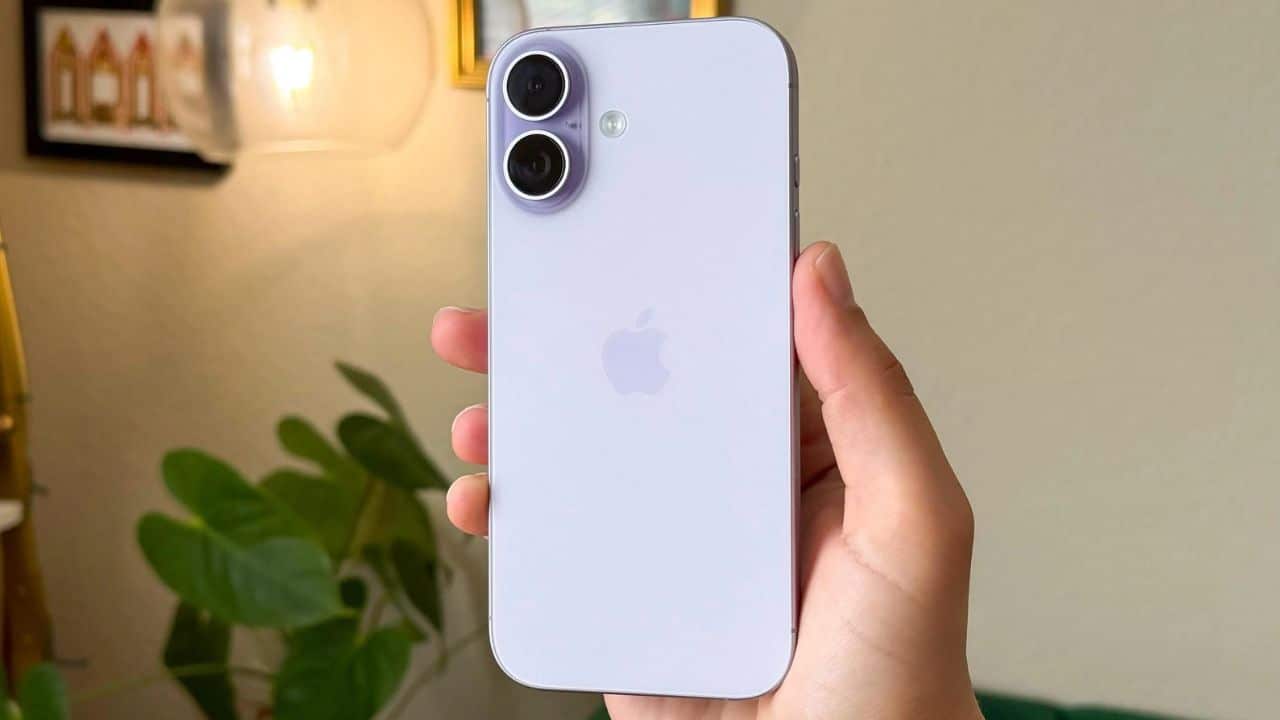
Fixes:
A large photo library or recent backup can cause temporary heating. This is because your iPhone might be downloading files, indexing messages, restoring apps, or synchronizing photos in the background.
Fixes:
Environmental heat can create a heat wave around the mobile phone. Your phone releases heat less effectively, leading to overheating and errors. Direct sunlight, hot dashboards, and enclosed spaces can increase the temperature. If you notice that your phone is overheating when kept in a parked car, heating occurs mainly during outdoor activities is due to hot weather.
Fixes:
An error in the charging cable or adapter may sometimes be due to the accessories instead of the phone. This can happen because of damaged cables, poor-quality charging, or an adapter fault. To identify the problem, you can check the charging port; if the area around the charging port is hot, or the cable and adapter become hot, it’s because of your charger.
Fixes:
Wireless chargers generate more heat and can cause the mobile to heat up, especially when used continuously. This can be because of poor alignment. Heating occurs primarily during Qi charging or MagSafe charging. The temperature decreases after removing it from wireless charging.
Fixes:
A long navigation session can drain your phone’s battery faster than normal. GPS, mobile data, continuous screen activity, and location tracking work together to get the map. You can check for the problem when your phone gets hot during long drives and navigation sessions, or when the battery drains faster while using maps.
Fixes:
Continuous camera use for long periods can build up heat. High-resolution video recording includes the use of camera processing, power consumption, and storage problems. You notice your phone to heat while recording high quality device.
An iPhone may become warmer with a poor cellular connection. The internet modem can consume more power while searching for a signal or maintaining a weak connection. This can happen in remote areas or places with limited internet connectivity. The battery uses more energy when mobile data is on.
Fixes:
A faulty battery causes the mobile phone to heat up. An older or damaged battery affects power delivery and hampers the overall performance. You can identify the problem by checking the battery’s health. If your phone shuts down unexpectedly or the battery drains quickly, it can be because of an aging or faulty battery.
Fixes:
Continuous heating without any symptoms requires expert assistance. The possible causes include background apps, software updates, and hardware failure.
Fixes:
If your iPhone is getting hot and you want to immediately cool it down, follow these troubleshooting steps:
Note: Never place your mobile in a refrigerator or freezer to make it cooler. The sudden temperature changes can cause damage to the internal components.
Some overheating problems require expert attention rather than a setting adjustment. Contact Apple Support or your service provider if, after fixing all the mobile’s issues, the overheating warning continues.
iPhone overheating can result from different phone problems. It can be caused by everyday usage, charging mistakes, background processes, battery problems, and environmental conditions. The most effective solution is to first identify the main problem behind overheating. Many issues can be fixed through simple troubleshooting. Persistent overheating and temperature warnings even after troubleshooting can be due to bigger problems like battery damage or other hardware problems and should not be ignored. If your iPhone continues to overheat, then you should refer to the Apple Service Center.
The post iPhone Overheating? Common Causes and Fixes appeared first on The Next Hint.